
Keys
Click a key on a picture of your board and give it a new job: another key, a mouse button, cursor movement, the scroll wheel. Base and Fn layers, combos, and the knob. Writes land on the keyboard immediately.
Free software · GPL-3.0 · Linux, Windows, macOS
Remap keys on a picture of your board. Set the RGB and watch it change live. Paint per-key patterns, record macros, back everything up to a file. One app for 523 keyboards built on ROYUAN hardware: Attack Shark, Akko, Epomaker, MonsGeek, Ajazz, Hator, ikbc and more.
The browser version needs Chrome, Edge or another Chromium browser, and a USB cable. Nothing to install, and the page only ever sees the keyboard's settings channel, never your typing. No account, no cloud, no telemetry. Alpha software: export a backup before you rearrange things. There is a button for that too.
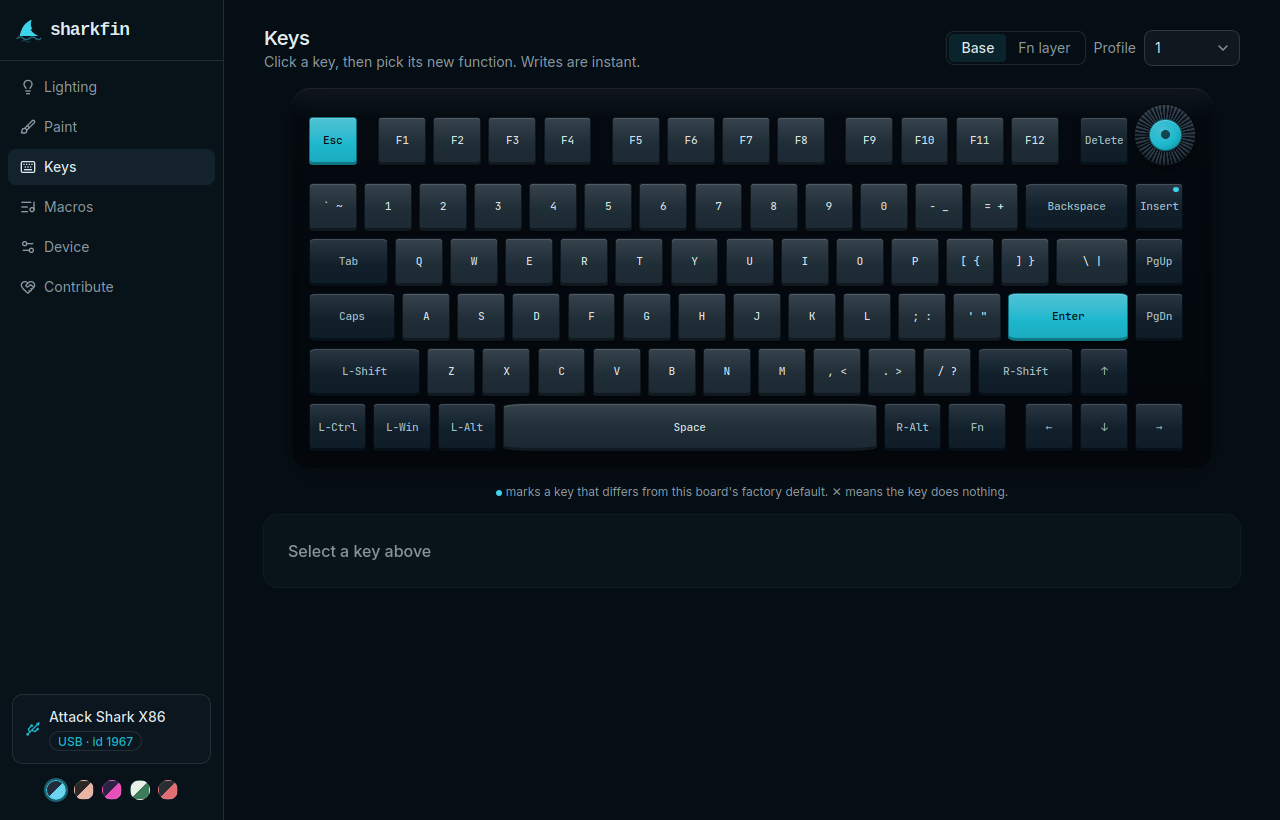
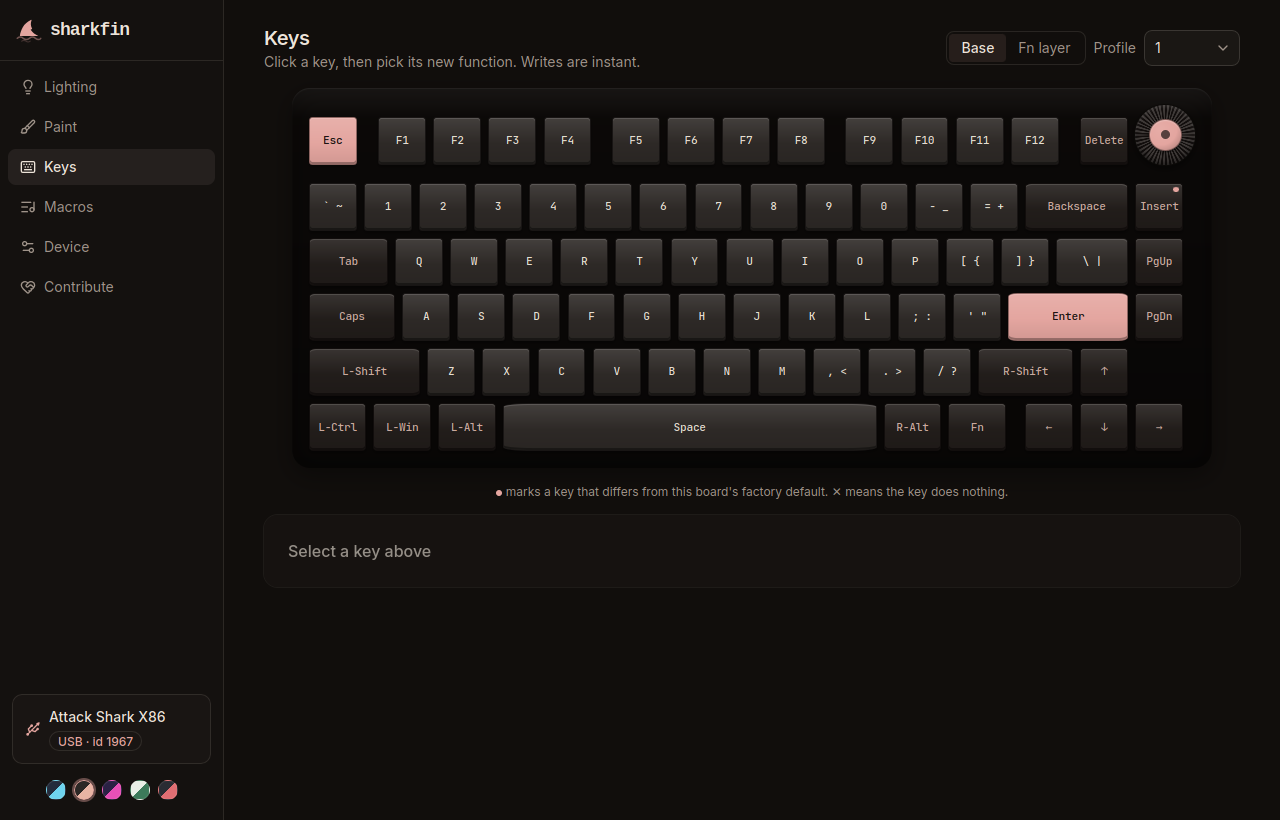
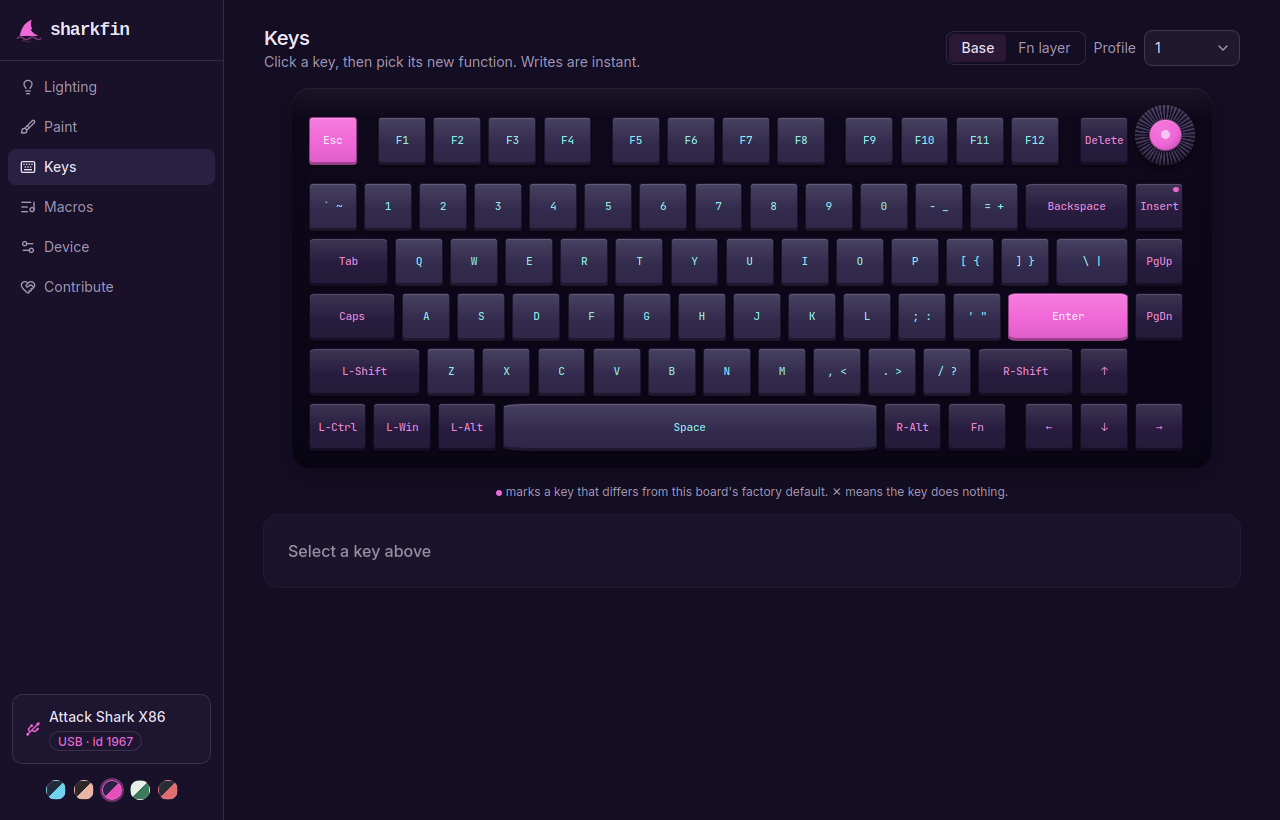
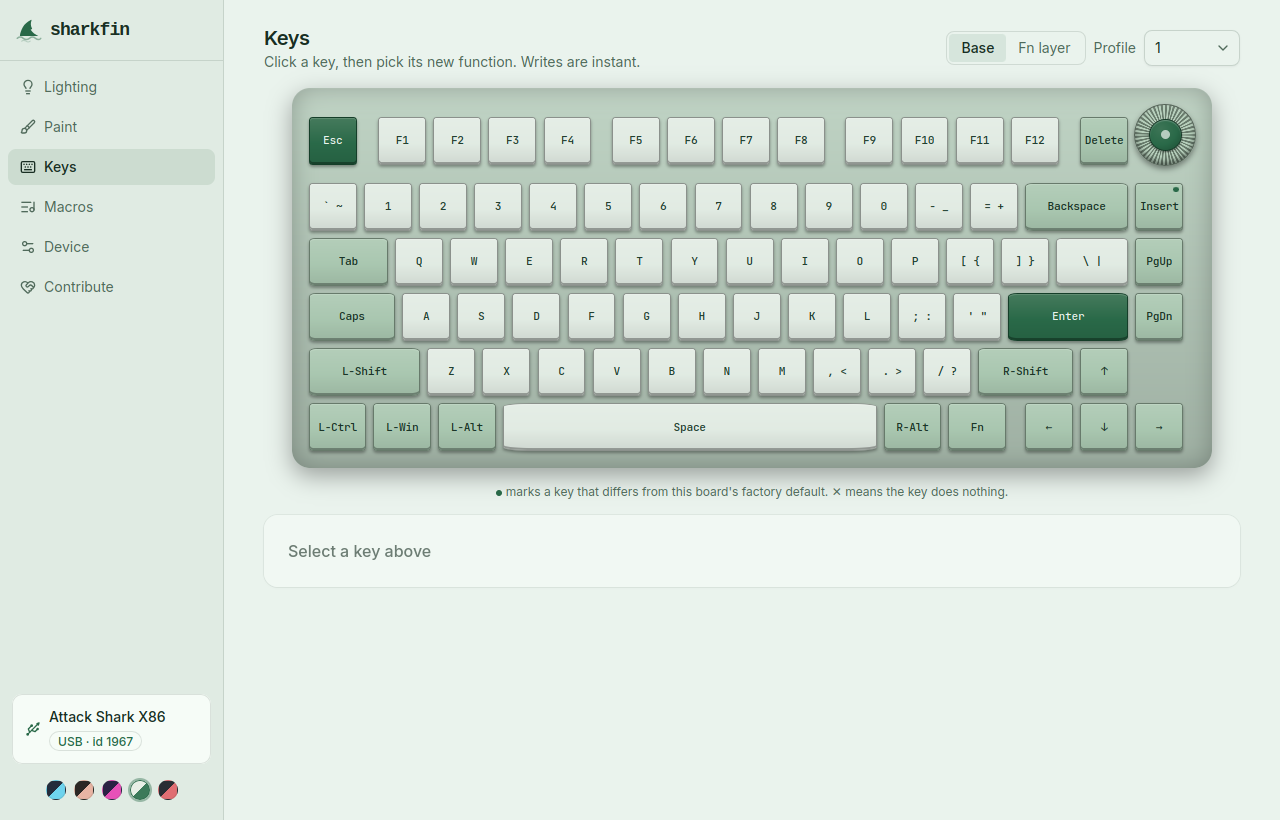
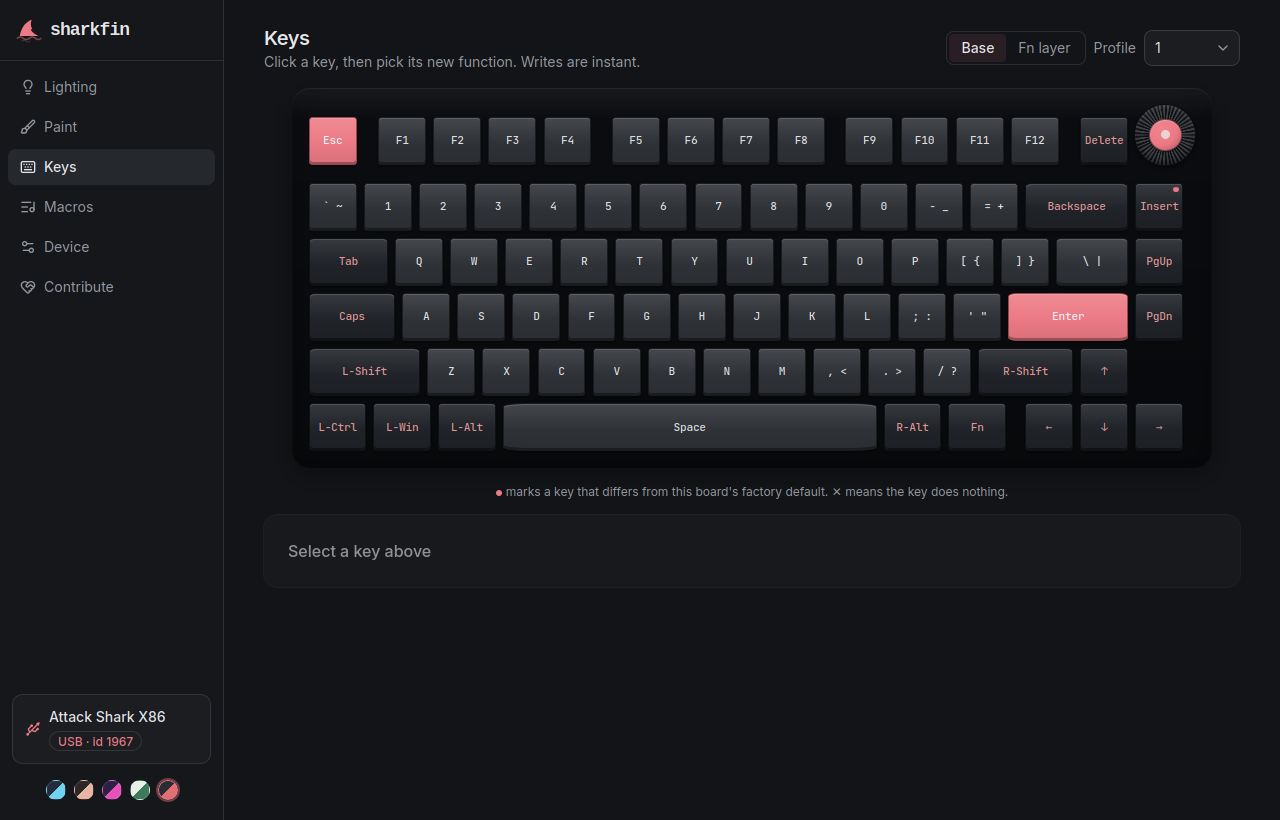
Click a key on a picture of your board and give it a new job: another key, a mouse button, cursor movement, the scroll wheel. Base and Fn layers, combos, and the knob. Writes land on the keyboard immediately.
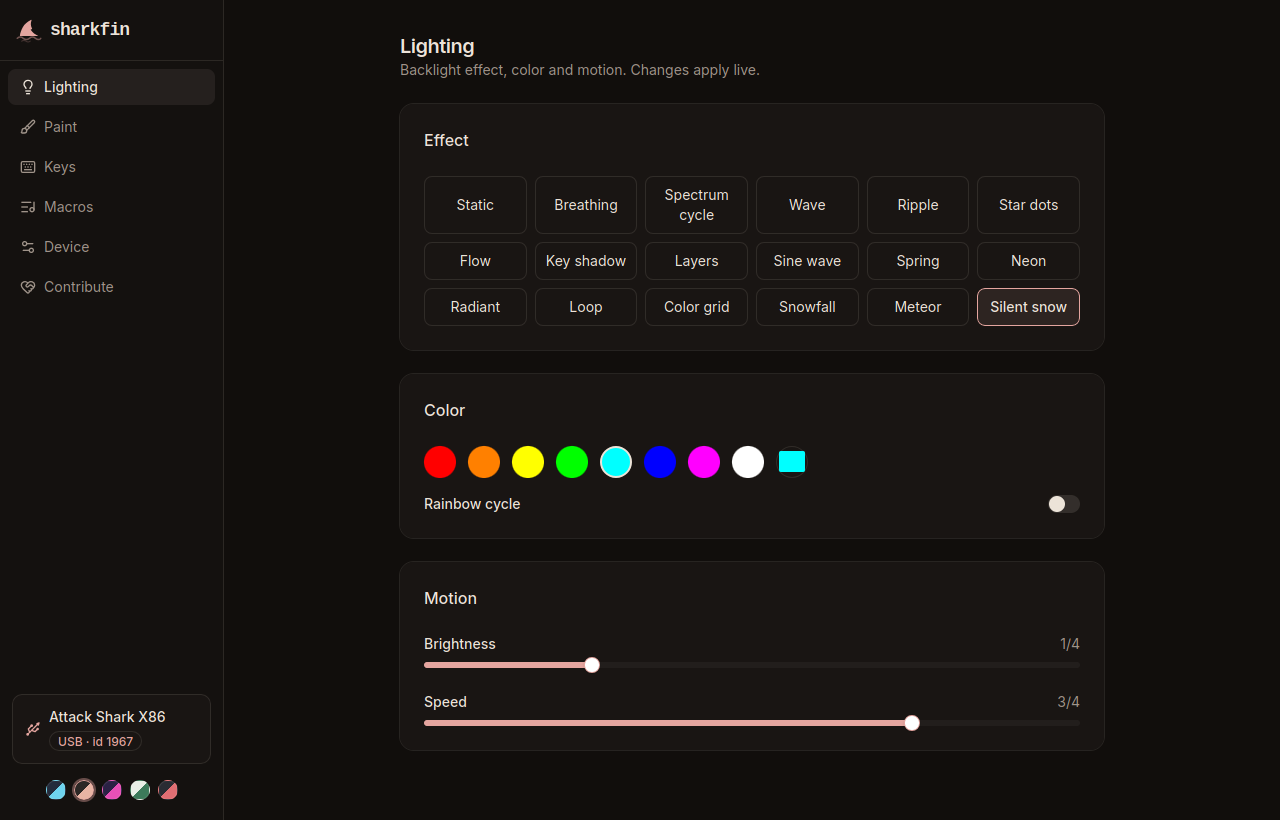
18 effects with direction options, full RGB, brightness and speed, live as you drag the sliders. Edge-light controls appear on boards that have edge LEDs.
Colour individual keys, then send the pattern to the board. Sending is manual and rate-limited because the pattern goes into the keyboard's flash.
Record key and mouse sequences with per-event delays into the 50 onboard slots. Bind a key to one, on either layer: repeat, toggle, or while held. A mouse-key helper does the setup, so holding a key moves the cursor.
Debounce, Windows-key lock, WASD and arrow swap, backlight off, host-OS auto-detect, sleep timeouts, factory reset. The settings the manual mentions and a few it forgot.
Export everything to a file and restore it later. Three profiles live on the board itself, so your config travels with the keyboard, not the computer.
sharkfin talks to keyboards built on ROYUAN hardware, USB vendor ID 3151.
That covers most of the Attack Shark lineup, including the X86, X85, X68, X65,
K86, R85 and the HE models, plus boards sold under all of these names:
| Total boards in the registry | 523 |
| Accept changes | 519 |
| Drawn key-by-key layout | 463 |
No drawn layout for your board yet? It still works. You get a slot grid instead of a picture, and you can send the layout in from the app's Contribute tab.
You were about to download a separate driver for each model, for one operating system. There is another way to do this.
| sharkfin | vendor driver | |
|---|---|---|
| Install | none, it runs in the browser | an executable per model |
| Operating systems | Linux, Windows, macOS | Windows |
| Coverage | 523 boards, one app | one download per model |
| Source code | public, GPL-3.0 | closed |
| Account or cloud | none | varies by vendor |
| Price | free | free |
If it has USB vendor ID 3151, almost certainly. The
board list
has 523 entries. Not sure? Plug it in and sharkfin will tell you what it sees.
This is it. Same app on Linux, Windows and macOS.
Yes, for configuring. There is no config channel over 2.4 GHz or Bluetooth. Settings are stored on the keyboard, so everything keeps working wirelessly once you unplug.
It never flashes firmware, so no. The worst known failure is the board ignoring USB until you replug it: close the app, unplug for ten seconds, plug back in. Typing keeps working the whole time.
Nothing. Free software, GPL-3.0-or-later. If someone charged you for it, ask for your money back.
No. Community project. Not affiliated with Attack Shark, ROYUAN or any keyboard vendor.
The app's Contribute tab collects a read-only data bundle you can paste into a GitHub issue. Board reports start the same way.
Plug in a cable and say hello.